 PlaceBee
Introduction to Group Travel Apps in 2026
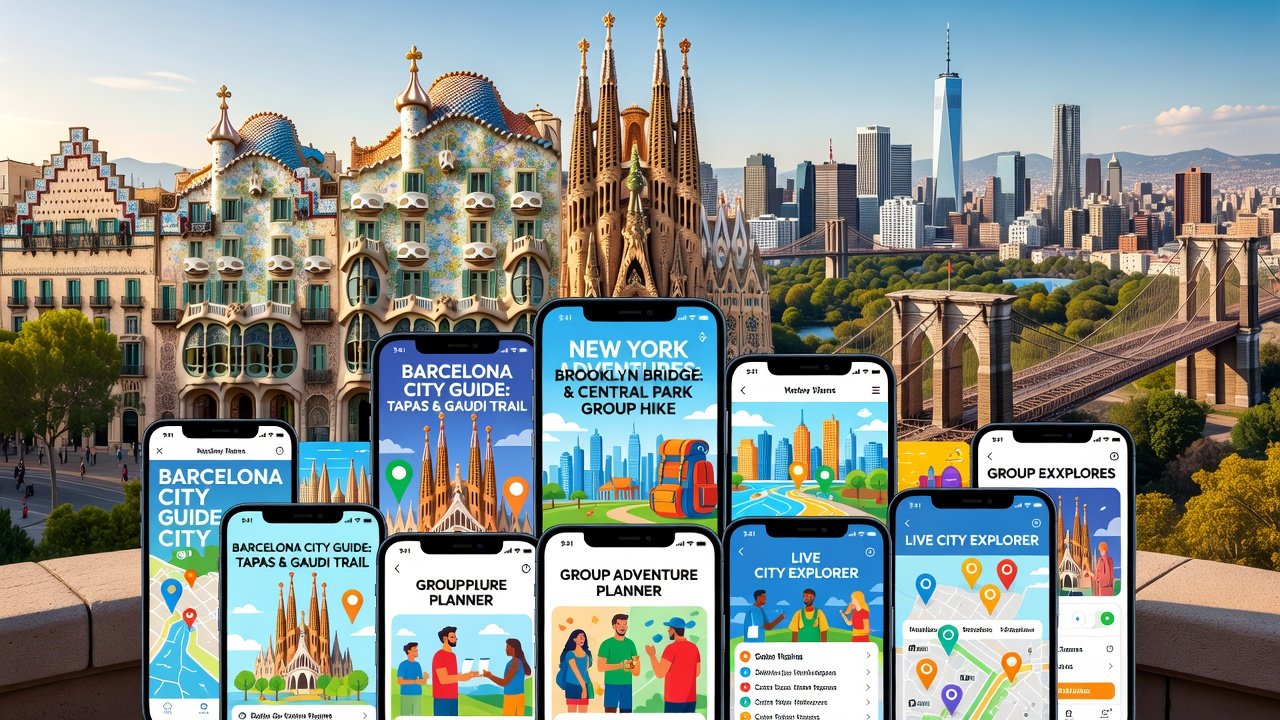
Planning adventures with friends or family has evolved significantly with specialized city guide apps. These tools now prioritize multi-user features that simplify coordination for groups of any size. From real-time itinerary edits to offline maps that everyone can access, the right app reduces stress and enhances enjoyment during trips that might otherwise become logistical nightmares. In 2026, travelers expect apps to handle everything from splitting restaurant bills in real time to broadcasting safety updates when one member gets separated in a bustling crowd.
This guide examines leading options based on expert testing in vibrant destinations like Barcelona and New York. We focus on shared itineraries, collaboration tools, budgeting, and safety alerts while covering integration with broader country guides for multi-stop journeys. Whether you are organizing a family reunion or a friends getaway, understanding these capabilities helps you select the platform that matches your group's dynamic needs and avoids common planning pitfalls.
Essential Features for Group Adventures
Effective group travel apps go beyond basic maps. They must support seamless multi-user editing so all participants can contribute ideas instantly without waiting for email threads or group chats to resolve conflicts. Offline group maps ensure navigation works without Wi-Fi, critical in areas with spotty connections such as historic districts or remote neighborhoods. Budgeting tools track shared expenses transparently, automatically calculating who owes what after each meal or attraction ticket purchase. Safety alerts notify the entire group of emergencies or changes, often with location pings and predefined response protocols. Additional priorities include family-friendly coordination options like kid-mode interfaces and compatibility with larger trips spanning multiple countries.
Multi-User Editing and Real-Time Collaboration
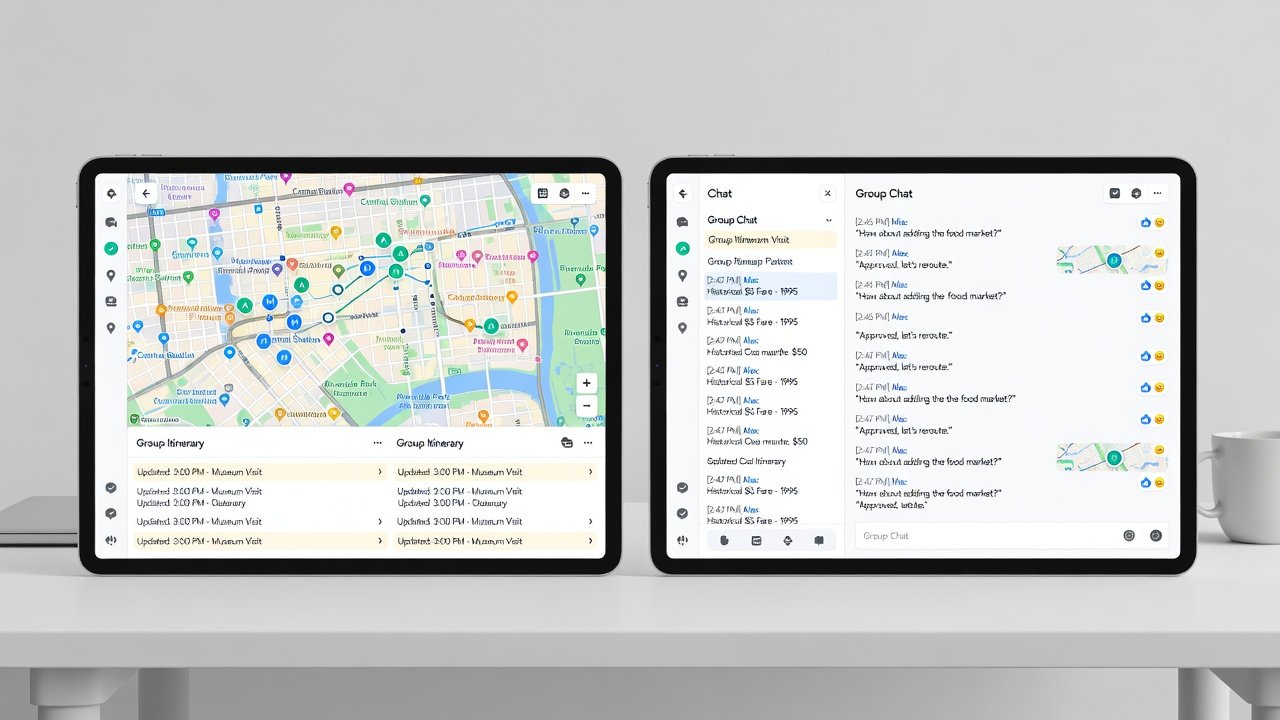
Apps excel when multiple users edit the same itinerary simultaneously. Look for live syncing that prevents version conflicts during brainstorming sessions. For example, one person can add a morning coffee stop while another adjusts the afternoon museum slot, with changes appearing across all devices within seconds.
Offline Maps and Safety Alerts
Downloaded maps tailored for groups allow collective route planning. Safety features like location sharing and emergency broadcasts keep everyone informed even when cellular service drops. These elements prove especially valuable during festivals or peak tourist seasons when crowds complicate coordination.
Side-by-Side Feature Comparison
| App | Shared Itineraries | Real-Time Collaboration | Budgeting Tools | Offline Group Maps | Safety Alerts |
|---|---|---|---|---|---|
| App A | Yes, unlimited users | Live syncing | Expense splitting | Custom group layers | Group notifications |
| App B | Yes, up to 20 users | Comment-based edits | Integrated tracking | Shared downloads | Real-time alerts |
| App C | Yes, family-focused | Instant updates | Basic split options | Offline caching | Emergency sharing |
Expert Tests in Barcelona
Our team tested apps during a week-long group trip to Barcelona involving six friends. Features like shared tapas tour itineraries performed well, with one app standing out for its seamless offline map updates along Las Ramblas and through the Gothic Quarter. The group used collaborative editing to insert spontaneous visits to Park Güell after morning rain delayed original plans. Safety alerts triggered successfully during a crowded La Boqueria market visit when two members briefly lost contact. Budget tracking helped divide costs for paella dinners and metro passes without disputes. Offline functionality proved essential in areas where roaming data was unreliable, allowing the entire group to follow a preloaded route to Sagrada Família without interruptions. These real-world scenarios revealed that apps with strong multi-user layers reduced planning time by nearly half compared to traditional methods.
Expert Tests in New York
In New York, apps were evaluated across Manhattan and Brooklyn for a family of eight spanning three generations. Real-time collaboration shone during spontaneous changes to Central Park visits, where parents and teens could simultaneously adjust lunch reservations and walking paths. Budgeting tools helped manage costs for Broadway shows and subway passes, automatically splitting adult and child tickets. Offline maps proved invaluable in subway dead zones, allowing the group to stay aligned without data usage while navigating from Times Square to the Brooklyn Bridge. Safety features enabled quick location sharing when younger kids wandered ahead in crowded areas like Times Square. The tests showed that family-oriented apps with simplified interfaces performed best for mixed-age groups, preventing tech frustration and keeping focus on enjoyment rather than logistics.
Integrating with Country Guides for Multi-Stop Trips
Many city apps now link directly to country-level guides. This enables smooth transitions from Barcelona explorations to broader Spain itineraries or from New York to U.S. cross-country adventures. Groups can import shared plans across borders without losing collaborative history or resetting permissions. For instance, a multi-stop European trip can start with city-specific Barcelona details and expand to national rail schedules or regional safety advisories. This integration saves time and maintains consistency across the full journey.
Practical Setup Steps
- Download the app and create a group profile with all members invited via email or link, ensuring everyone accepts permissions before departure.
- Import base city maps and enable offline mode for the primary destinations, testing downloads on all devices in advance.
- Set up shared budgeting categories and assign roles for expense logging so one person monitors totals while others add receipts.
- Configure safety alerts with emergency contacts and location sharing permissions, including a group check-in schedule.
- Test multi-user edits on a sample itinerary before finalizing the full trip to identify any sync issues early.
- Customize notifications to avoid overload while ensuring critical updates reach every participant.
- Link the app to country-level guides if your trip includes multiple stops, importing relevant data seamlessly.
- Run a full dry run of the itinerary with the group one week prior to travel.
Recommendations by Group Size
- Small groups (2-4 people): Prioritize flexible editing apps with robust budgeting that allow quick adjustments without complexity.
- Medium groups (5-10): Choose options with strong safety features and offline reliability to handle varied interests and potential separations.
- Large groups (11+): Opt for scalable platforms supporting unlimited users and advanced notifications that prevent information silos.
Lonely Planet resources complemented these apps for deeper destination insights during testing.
Mistakes to Avoid in Group Planning
Common errors include failing to test offline capabilities before travel, which can leave groups stranded without maps. Another frequent issue is overlooking privacy settings for location sharing, potentially exposing unnecessary data. Groups also sometimes neglect to assign clear budgeting roles, leading to uneven expense tracking. Always verify app compatibility across different phone operating systems and practice real-time edits together in advance to prevent last-minute confusion.
Tripadvisor offers additional user reviews to refine selections based on recent traveler experiences.
FAQ: Addressing Common Group Planning Pain Points
How do these apps handle last-minute changes?
Most support instant syncing so updates appear for everyone immediately, reducing miscommunication during dynamic days.
Are offline maps truly collaborative?
Yes, downloaded versions allow group annotations that sync once connectivity returns, preserving collective input.
What about privacy with location sharing?
Apps include granular controls so users can limit sharing to trip duration only or specific trusted members.
Which app suits families with kids?
Family-oriented tools with simplified interfaces and kid-safe alerts work best for mixed-age groups.
Can apps integrate with external calendars?
Many export itineraries directly to Google Calendar or Apple Calendar for broader visibility.
Conclusion
Selecting the right 2026 city guide app transforms group adventures from chaotic to coordinated. By evaluating features through real-world tests and matching them to your group's needs, you can create memorable trips with minimal hassle. Start with the setup steps outlined and explore integrations for even smoother multi-destination planning. With careful preparation, these tools turn potential obstacles into opportunities for seamless shared experiences.

No comments yet. Be the first!