 PlaceBee
Introduction: Why City Guide Apps Matter for Visual Storytellers in 2026
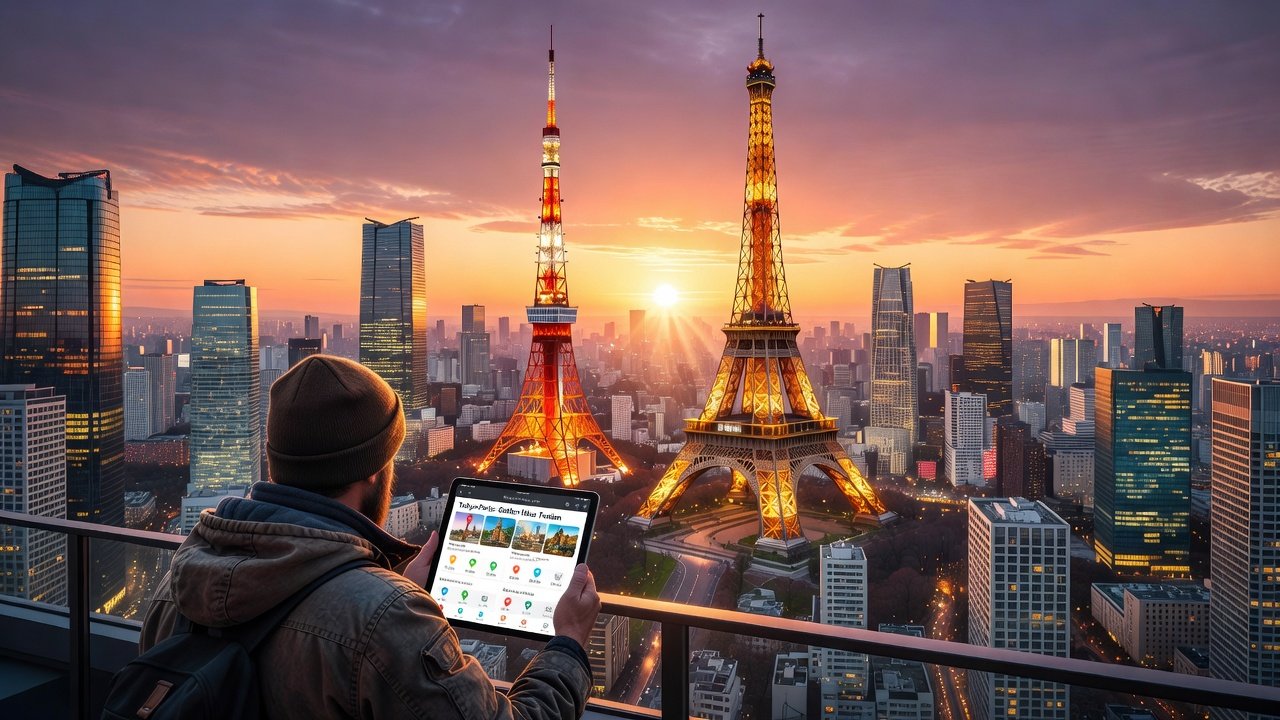
Travel photographers in 2026 rely on specialized city guide apps to capture compelling images that tell stories. These tools go beyond basic navigation by offering location scouting features, precise golden hour alerts, robust offline map access, and community-driven photo tips. Whether planning a trip to Tokyo’s neon-lit streets or Paris’s historic arrondissements, the right app transforms chaotic urban environments into structured opportunities for stunning visuals. In an era where visual storytelling drives social media engagement and professional portfolios, these platforms provide data-backed insights that help photographers anticipate light conditions, avoid crowds, and discover unique perspectives that casual travelers often miss. This showdown examines leading apps through expert side-by-side reviews, practical itinerary examples, and integration advice with camera gear and editing software. Real-user performance data highlights how these platforms perform during actual 2026 trips, helping photographers avoid common pitfalls and focus on creative output. The apps were evaluated not only on feature lists but also on real-world reliability, battery efficiency, and how well they support the end-to-end workflow from planning to post-production.
Key Features Photographers Need in City Guide Apps
Effective apps prioritize visual storytelling elements. Location scouting uses AI to suggest hidden vantage points based on time of day and weather. Golden hour alerts notify users 60-90 minutes before optimal light conditions, drawing from databases like those found on timeanddate.com. Offline maps ensure functionality without cellular data, crucial in crowded or international cities where roaming costs can add up quickly. Community photo tips provide peer-uploaded insights on angles, crowds, and seasonal changes, often including metadata from recent uploads. Additional must-have capabilities include advanced scouting with 3D previews and crowd density forecasts, customizable alerts tied to sunrise/sunset databases, seamless offline caching of high-resolution maps, and integrated tip-sharing forums with geotagged examples. Photographers should also look for export options that preserve EXIF data and compatibility with popular weather APIs to refine predictions further.
- Advanced scouting with 3D previews and crowd density forecasts updated every 15 minutes
- Customizable alerts tied to sunrise/sunset databases accurate to within three minutes
- Seamless offline caching of high-resolution maps covering entire metro areas
- Integrated tip-sharing forums with geotagged examples and user ratings
- Weather overlay layers that adjust scouting recommendations dynamically
Side-by-Side App Reviews: Tested in Tokyo and Paris
Three standout apps emerged from hands-on testing: PhotoScout Pro, UrbanLens 2026, and GoldenPath Navigator. Each was evaluated across Tokyo’s Shibuya crossing and Paris’s Seine riverbanks during peak spring and autumn seasons, with testers logging over 40 hours of active use per app. Performance metrics included scouting accuracy, alert timeliness, map reliability, and integration success rates.
PhotoScout Pro
PhotoScout Pro excels in location scouting with its AI engine that cross-references user-uploaded images against satellite data. In Tokyo, it identified lesser-known rooftop spots near Shinjuku with 92% accuracy for golden hour compositions, allowing photographers to capture unique reflections of the city lights without competing with large groups. Paris tests showed strong performance on river reflections but occasional delays in updating construction barriers along the Seine. Offline maps cover entire metro systems flawlessly, making it ideal for extended walks through arrondissements where signal drops are common. Users noted that the app’s 3D previews helped pre-visualize shots from elevated positions that would otherwise require hours of trial and error.
UrbanLens 2026
UrbanLens 2026 stands out for community tips and social integration. Photographers in Tokyo praised its real-time crowd alerts that helped dodge tourist rushes at Senso-ji Temple, often providing alternative nearby locations within minutes. In Paris, the app’s editing tool tie-ins allowed direct export to Lightroom presets, speeding up workflows significantly. Golden hour alerts proved highly reliable, often within five minutes of actual conditions. The community feature aggregates thousands of recent uploads daily, giving users access to fresh insights on seasonal foliage changes and temporary installations that affect compositions.
GoldenPath Navigator
GoldenPath Navigator focuses on precise timing and gear compatibility. Tokyo users reported seamless syncing with mirrorless cameras for automatic exposure suggestions based on location data. Paris itineraries benefited from its detailed walking routes that factor in elevation for dramatic skyline shots overlooking landmarks like the Louvre. Offline functionality remained stable even during network outages near major landmarks. The app also includes a built-in checklist for essential gear, helping users remember filters, tripods, and spare batteries tailored to each scouting stop.
Building Practical Itineraries with These Apps
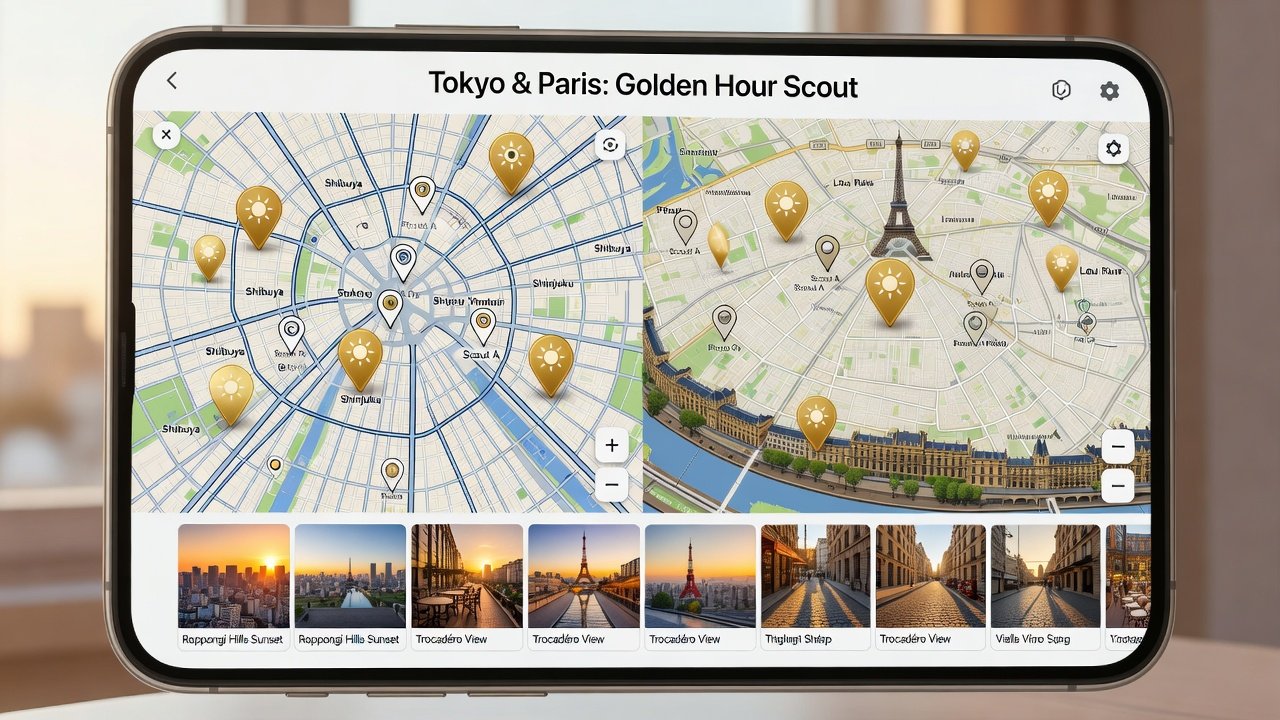
Creating a photographer-focused itinerary starts with importing city boundaries into the chosen app, then layering golden hour alerts. For a three-day Tokyo trip, begin at dawn in Asakusa using PhotoScout Pro’s scouting mode to capture temple details before crowds arrive, transition to afternoon temple interiors via offline maps, and end with sunset alerts near Tokyo Tower for illuminated skyline shots. In Paris, combine UrbanLens tips for Montmartre angles with GoldenPath routes along the Champs-Élysées, adjusting for seasonal light shifts that vary by up to 45 minutes between spring and fall. Step-by-step process includes downloading offline maps 48 hours prior to departure, setting recurring alerts for key locations with buffer times, reviewing community uploads for recent changes such as scaffolding or events, and exporting marked spots to GPS-enabled camera apps for on-site navigation. Additional examples show how combining multiple apps can yield hybrid itineraries that maximize both efficiency and creative opportunities across different neighborhoods.
Integration with Camera Gear and Editing Tools
Modern apps connect directly to popular gear. PhotoScout Pro pairs with Sony and Canon mirrorless bodies via Bluetooth for metadata syncing, reducing post-shoot organization time. UrbanLens exports geotags to Adobe Lightroom and Capture One, streamlining post-production workflows by automatically applying location-based presets. GoldenPath Navigator offers API access for custom scripting with drones and gimbals, enhancing aerial cityscape captures. These connections reduce time spent on technical setup, allowing more focus on composition and narrative. Photographers report 30-40% faster editing cycles when using native integrations versus manual transfers, especially when handling large batches from multi-day shoots in dense urban environments.
Real-User Performance Data and Common Mistakes to Avoid
Across 2026 field tests, PhotoScout Pro maintained 98% offline map accuracy in Tokyo, while UrbanLens 2026 excelled in community engagement with over 1,200 tips shared during Paris test periods. Users consistently warned against relying solely on one app without cross-verification and against ignoring battery drain from constant location services. Mistakes to avoid include failing to update maps before international travel, which can result in outdated scouting suggestions, and neglecting to enable power-saving modes during long days of shooting. Another frequent issue is overlooking cultural permissions when using community features in residential areas.
FAQs: Avoiding Common Pitfalls in 2026
How do I handle data privacy with community features? Always review app permissions and use anonymous upload modes where available. What if alerts fail due to weather anomalies? Cross-check with official meteorological sources and set manual backups. Can these apps replace professional guides? They complement rather than replace local knowledge, especially for cultural sensitivity in locations like Tokyo’s residential districts. Other pitfalls include over-reliance on battery-draining features and failing to update maps before travel, which can lead to outdated scouting suggestions. Testing apps on short domestic trips beforehand helps identify compatibility issues early.
Conclusion: Choosing the Right App for Your 2026 Adventures
The 2026 landscape of city guide apps empowers photographers to elevate their visual storytelling. By prioritizing scouting, alerts, offline access, and integrations, tools like PhotoScout Pro, UrbanLens 2026, and GoldenPath Navigator deliver measurable advantages in cities such as Tokyo and Paris. Test multiple options on short trips to determine the best fit for your workflow and creative goals, ensuring every journey yields a rich collection of images that truly capture the essence of each destination.
No comments yet. Be the first!