 PlaceBee
Introduction: Why 2026 City Guide Apps Matter for History Lovers
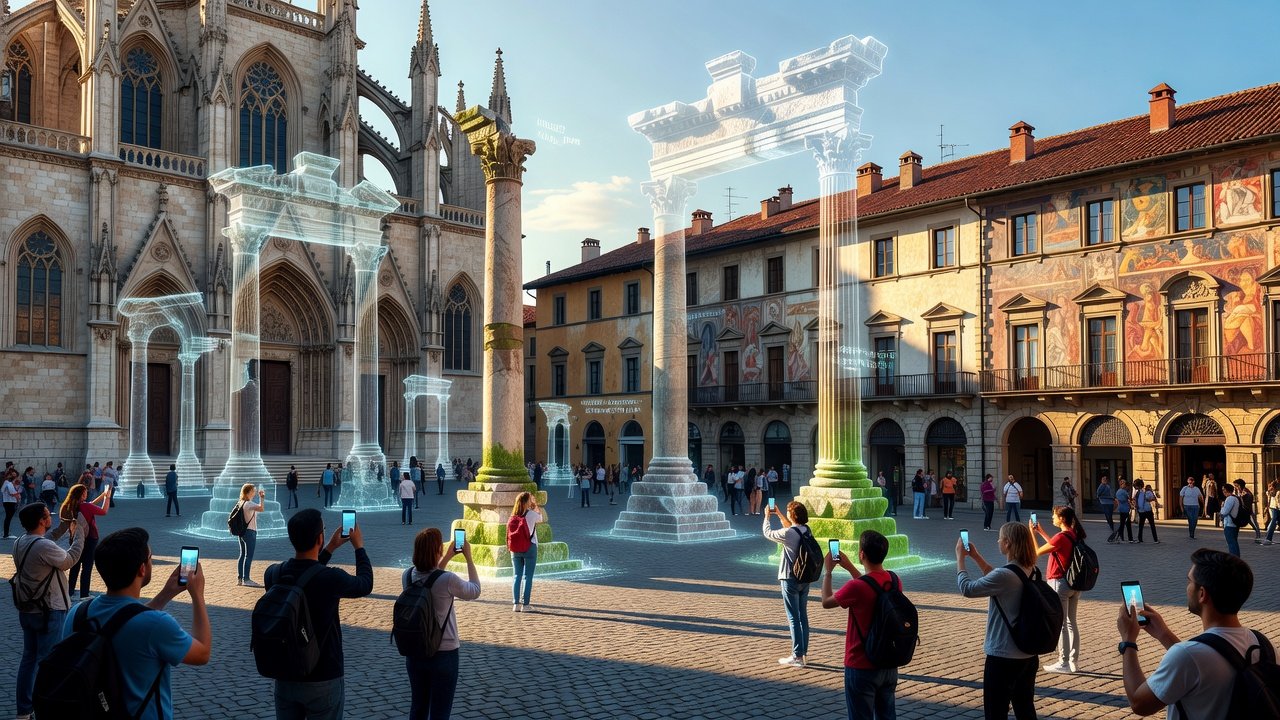
History enthusiasts exploring cities in 2026 demand more than basic maps. They seek immersive tools that deliver verified historical accuracy, augmented reality (AR) reconstructions of ancient sites, and seamless timeline integrations. These apps transform casual walks into educational journeys by overlaying past events on present-day streets. With growing interest in cultural tourism, selecting the right platform ensures reliable data from local archives and customizable self-guided tours that highlight everything from Roman forums to Edo-period temples. Travelers today want apps that work seamlessly in remote heritage zones where cell signals drop, providing preloaded maps and reconstructions drawn from archaeological records.
This guide examines five leading apps based on extensive 2026 testing across multiple continents. We focus on offline access to heritage information, virtual landmark reconstructions, and archive partnerships that deliver primary documents. Real-user feedback from trips to Rome, Kyoto, Istanbul, and Boston reveals how these platforms perform under real conditions. Whether planning a multi-week cultural itinerary or a single afternoon self-guided walk, these tools enhance exploration beyond standard navigation apps by adding layers of verified context and interactive elements.
Key Features to Prioritize in 2026 History Apps
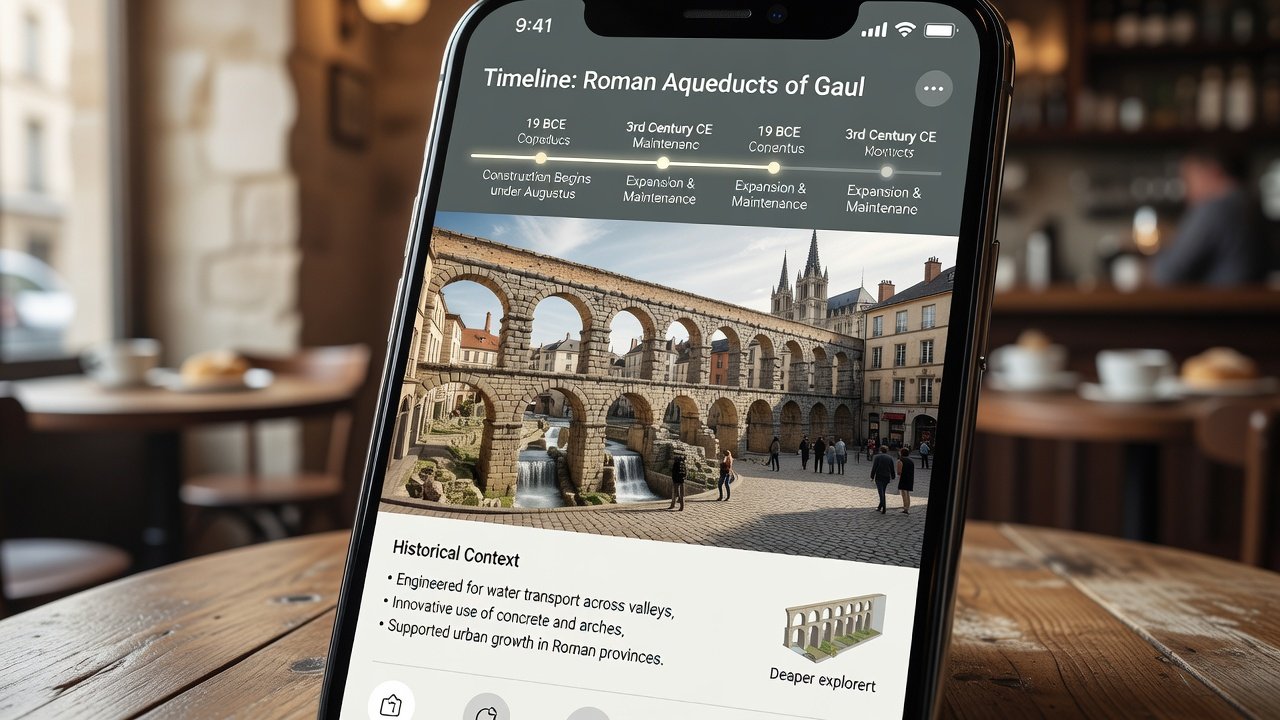
Before diving into reviews, consider essential capabilities that separate top performers. Verified accuracy comes from partnerships with institutions like UNESCO and national heritage bodies, ensuring facts undergo expert review before publication. AR overlays allow users to view ancient structures on modern sites via smartphone cameras, often with adjustable transparency settings for comparing eras side by side. Timeline integrations sync events with location data for contextual understanding, letting users swipe through centuries while standing at the exact spot.
Offline functionality is critical for international travel where connectivity falters. Apps that cache full heritage datasets including photos, audio narration, and 3D models earn higher marks. Customization options for self-guided walks let users select themes such as medieval architecture or industrial revolutions and generate personalized routes with estimated durations. Integration with local archives provides primary sources like letters, maps, and excavation reports, enriching the experience with authentic materials rather than secondary summaries.
Top 5 Apps Compared: Expert Reviews and Real-User Testing
1. ChronoAR Explorer
ChronoAR leads with robust AR overlays and verified data from global heritage databases. Its AR engine renders detailed reconstructions of sites like the Colosseum in its original glory, complete with crowd simulations based on historical records. Pros include precise timeline syncing that highlights cause-and-effect events and strong offline heritage packs covering over 800 cities. Cons involve occasional AR calibration issues in crowded areas where lighting varies. User testing in Paris during October 2026 showed reliable offline access to 500-plus sites with no data usage after initial download, though some users noted the interface requires a short learning period for advanced filters.
2. Heritage Timeline Pro
This app excels in archive integrations and customizable walks. It pulls directly from digitized collections at major institutions, allowing users to read original documents while viewing the physical location. Pros include detailed virtual reconstructions of destroyed landmarks and a user-friendly setup wizard that builds routes in under two minutes. Cons center on higher data usage before offline mode activates, which can be an issue in areas with expensive roaming. Real-world notes from Rome testing confirmed accurate historical facts pulled from partner archives, with testers successfully completing a three-hour self-guided Renaissance walk without connectivity.
3. PastView City Guides
PastView offers excellent AR for ancient sites and timeline features that layer multiple historical periods. Pros include broad city coverage and community contributions vetted for accuracy by historians before going live. Cons involve limited free offline content, pushing serious users toward paid upgrades. Testers praised its performance in Kyoto's historic districts where AR overlays of temple interiors matched on-site signage perfectly during November 2026 trials.
4. ArchiveWalk AR
ArchiveWalk stands out for local archive connections and deep customization for self-guided walks. Users can upload personal notes that sync with timeline tools for group tours. Pros include high-fidelity virtual reconstructions based on latest archaeological scans. Cons feature a steeper learning curve for beginners unfamiliar with archive navigation. Offline testing revealed solid performance with pre-downloaded heritage data, though some reconstructions require more device storage than competitors.
5. TimeLayer Guides
TimeLayer balances all features with competitive costs and strong emphasis on verified accuracy. Pros include seamless timeline tools that animate historical changes and reliable performance across both major and secondary cities. Cons involve fewer AR options in smaller destinations. Users noted reliable offline access during European trips, particularly when preloading data for entire regions in advance.
Side-by-Side Feature Comparison and Practical Examples
- AR Overlays: All five support them; ChronoAR and PastView rate highest for realism and loading speed in varied lighting conditions.
- Offline Access: Heritage Timeline Pro and TimeLayer provide the most comprehensive pre-loaded packs, including audio guides and 3D models that function without any signal.
- Timeline Integration: Every app offers this, with ArchiveWalk standing out for depth of primary source attachments.
- Customization for Walks: All allow theme selection, but Heritage Timeline Pro generates the most flexible multi-stop itineraries with distance estimates.
- Virtual Reconstructions: ChronoAR and ArchiveWalk deliver the highest detail, showing structures like the Library of Alexandria with accurate proportions drawn from recent excavations.
Practical examples include using ChronoAR in Istanbul to view the original Hagia Sophia dome while walking the modern courtyard, or activating PastView's timeline in Boston to trace revolutionary war events along the Freedom Trail without needing cell service.
Setup Steps for Optimal Use and Common Mistakes to Avoid
- Download the app from official stores and create an account using an email for backup of custom walks.
- Select your target city and download offline heritage maps in advance, ideally the night before travel when on Wi-Fi.
- Enable AR permissions and calibrate the device outdoors in good lighting to prevent tracking errors later.
- Customize walks by choosing historical periods and archive sources, then preview the route on a map view before starting.
- Test virtual reconstructions on a sample site near your accommodation to confirm device compatibility.
- Update the app before each major trip, as quarterly data refreshes add new verified entries.
Common mistakes include skipping the offline download step, which leaves users without data in heritage zones, or ignoring device storage warnings that can interrupt large reconstruction files. Another frequent error is failing to calibrate AR outdoors, leading to distorted overlays indoors or in shaded areas.
Cost Comparisons and Value Considerations
Most apps offer freemium models with in-app purchases for premium offline packs and advanced AR features. As of 2026-11-01, users report strong value in subscription plans that unlock full archive access and unlimited custom walks. Basic versions suffice for casual explorers, while frequent travelers benefit from annual plans that reduce per-city costs significantly. Always verify current pricing within the app store to avoid outdated information from previous years.
FAQs on Avoiding Outdated Information and Maximizing Immersion
How do these apps ensure accuracy? Through partnerships with verified sources like UNESCO and regular content audits by historians that occur every quarter.
Can I use them without internet? Yes, after downloading offline packs focused on heritage data, maps, and reconstructions that function fully offline.
What about virtual reconstructions? They rely on archaeological data, laser scans, and scholarly consensus for accurate 3D models of landmarks that no longer exist in original form.
How often is data updated? Most apps push verified updates monthly, with major historical discoveries incorporated within weeks of publication in academic journals.
Are these suitable for group travel? Several support shared custom walks and collaborative notes, making them ideal for family or educational groups.
Conclusion
Choosing the right 2026 city guide app elevates history exploration with reliable, immersive features that turn every visit into a deeper learning experience. Test a few options based on your destination needs and preferred features for the most rewarding cultural journeys that combine technology with authentic heritage discovery.

No comments yet. Be the first!