 PlaceBee
Introduction to 2026 City Guide Apps for Multi-City Travel
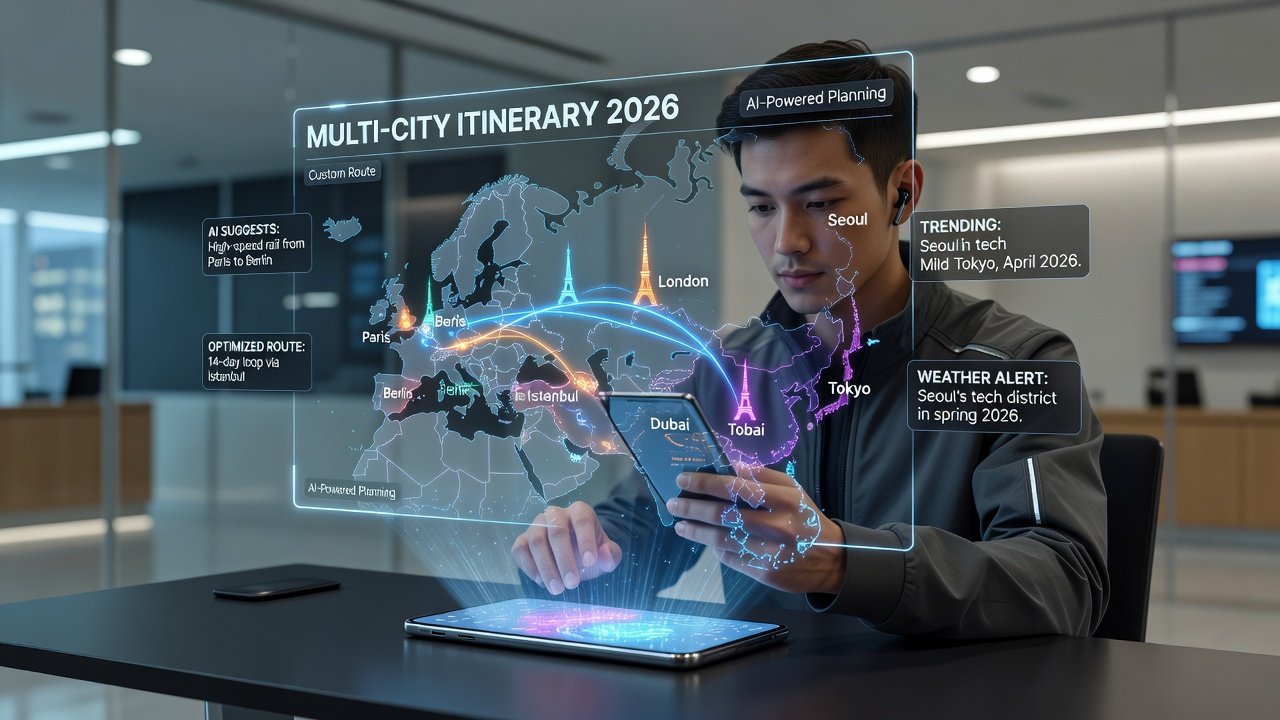
Planning personalized trips across multiple cities in 2026 requires apps that go beyond basic maps. These tools help travelers create custom itineraries with seamless integration between destinations. Leading apps now emphasize offline capabilities, AI-driven suggestions, and cross-city data syncing to support complex journeys spanning continents. As travel rebounds strongly after previous years, more people are combining cities in single trips, making efficient planning essential. Whether exploring Europe’s historic capitals or Asia’s bustling metropolises, the right app simplifies coordination of transport, accommodations, and activities. This guide evaluates top options based on expert usability tests, focusing on features that complement traditional travel guides for a seamless experience in 2026.
Multi-city itineraries introduce unique challenges like time zone adjustments, varying transit systems, and cultural differences. Apps that handle these elements intelligently reduce stress and maximize enjoyment. Readers will find practical advice here to choose tools that align with their travel style.
Key Features to Look For in Multi-City Apps
Modern city guide apps prioritize several core elements. Offline access ensures functionality without internet, crucial in remote areas or during international roaming restrictions. AI recommendations personalize suggestions based on preferences like cuisine, culture, or budget levels, learning from user behavior over time. Integration with country-level guides provides broader context, allowing users to zoom out from individual cities to national highlights and regulations.
Real-time data syncing keeps itineraries updated across devices and locations, preventing conflicts when plans change mid-trip. Additional considerations include user-friendly interfaces, export options for sharing plans with companions, and compatibility with wearable devices for on-the-go navigation. These features transform scattered notes into cohesive multi-destination routes that adapt dynamically.
Offline Access and Real-Time Syncing Deep Dive
Offline modes typically preload maps, reviews, and directions for selected cities. This proves invaluable when crossing borders where data plans vary. Syncing ensures edits made in one city reflect instantly in others, supporting collaborative planning among groups.
Top App Comparisons for 2026
Several apps stand out for multi-city planning. One leading option excels in AI personalization, offering tailored stops from Paris to Tokyo based on past trips and current trends. Another prioritizes offline maps with robust syncing for families managing group schedules and varying interests.
Expert usability tests reveal strengths in different areas: some apps shine for quick adjustments during travel, while others provide deeper cultural insights through curated local partnerships. Side-by-side evaluations highlight how each handles real-time updates across borders, including weather impacts and event cancellations. For digital nomads, apps with strong productivity integrations prove valuable by linking to coworking spaces and visa information. Families benefit from those with kid-friendly filters, safety alerts, and activity difficulty ratings.
Comparisons also consider battery efficiency and data usage, important for long-haul journeys between continents.
Pricing Structures and Value Assessment
Most premium city guide apps operate on subscription models or one-time purchases. Free tiers offer basic mapping and limited cities, while paid versions unlock advanced AI tools, unlimited syncing, and priority offline packs. Users should evaluate based on trip frequency rather than chasing the lowest cost, as robust features often justify investment for complex itineraries.
Qualitative comparisons show that higher-tier plans deliver better value for frequent multi-city travelers through expanded storage and enhanced customization options.
Setup Tutorials for Seamless Planning
Getting started involves downloading the app from official stores, creating a profile with travel preferences, and inputting initial dates and cities. Next, select destinations and let AI generate initial suggestions drawn from aggregated user data and local sources. Customize by adding specific interests, dietary needs, or mobility requirements, then enable offline mode before departure to preload all necessary content.
Sync across devices by signing into the same account on phone, tablet, and laptop. Test real-time updates by editing one itinerary segment and verifying changes appear elsewhere. Advanced users can import existing bookings from email or calendar apps to build upon existing reservations automatically.
Itinerary Examples from Europe and Asia
Consider a 14-day Europe route starting in Rome, moving to Barcelona, then Paris. An app can suggest timed visits to landmarks while factoring in train connections, local festivals, and crowd levels. Users can adjust for rest days or add side excursions based on AI prompts for hidden gems.
In Asia, a journey from Bangkok to Singapore to Seoul benefits from apps that recommend local transit apps, seasonal events, and food tours suited to group sizes. These examples demonstrate how syncing prevents overlaps and optimizes pacing between flights or high-speed rail. 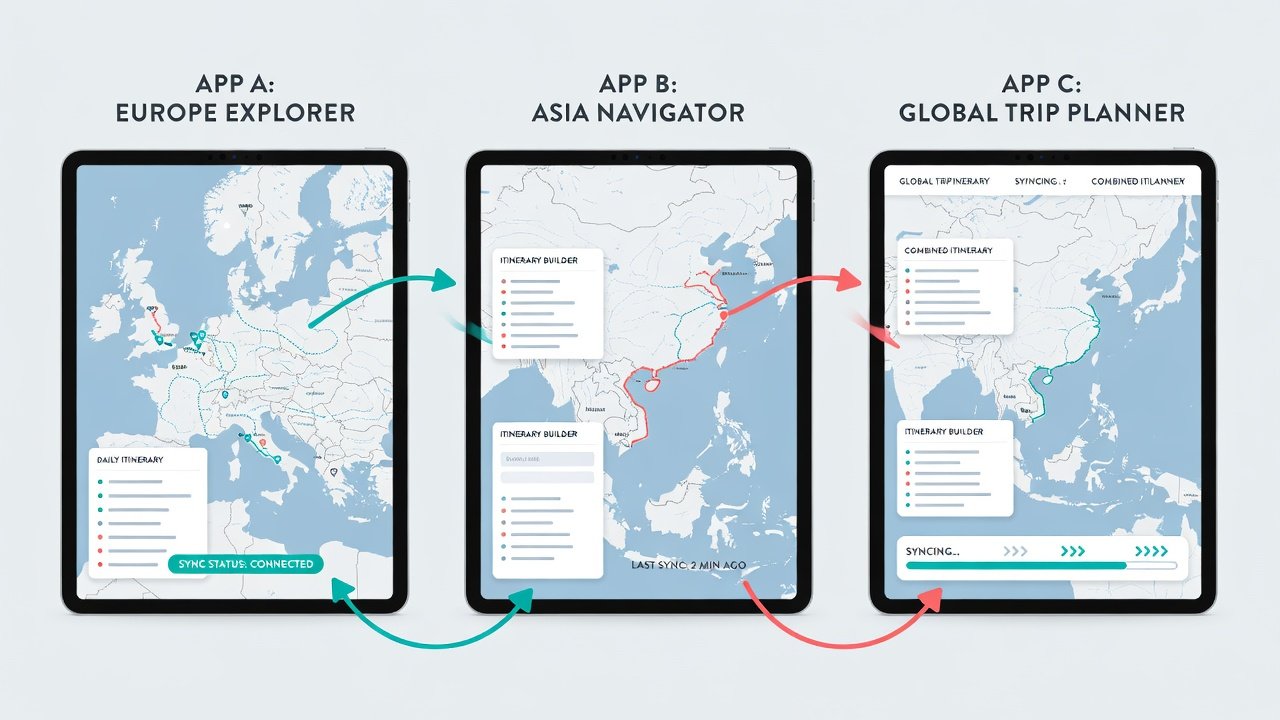
Audience-Specific Advice
- Families: Prioritize apps with shared calendars, activity filters for children, and emergency contact integrations to keep everyone aligned and safe during transitions between cities.
- Digital Nomads: Seek robust Wi-Fi finders, coworking integrations, and long-stay recommendations alongside core city guides to balance work and exploration across multiple bases.
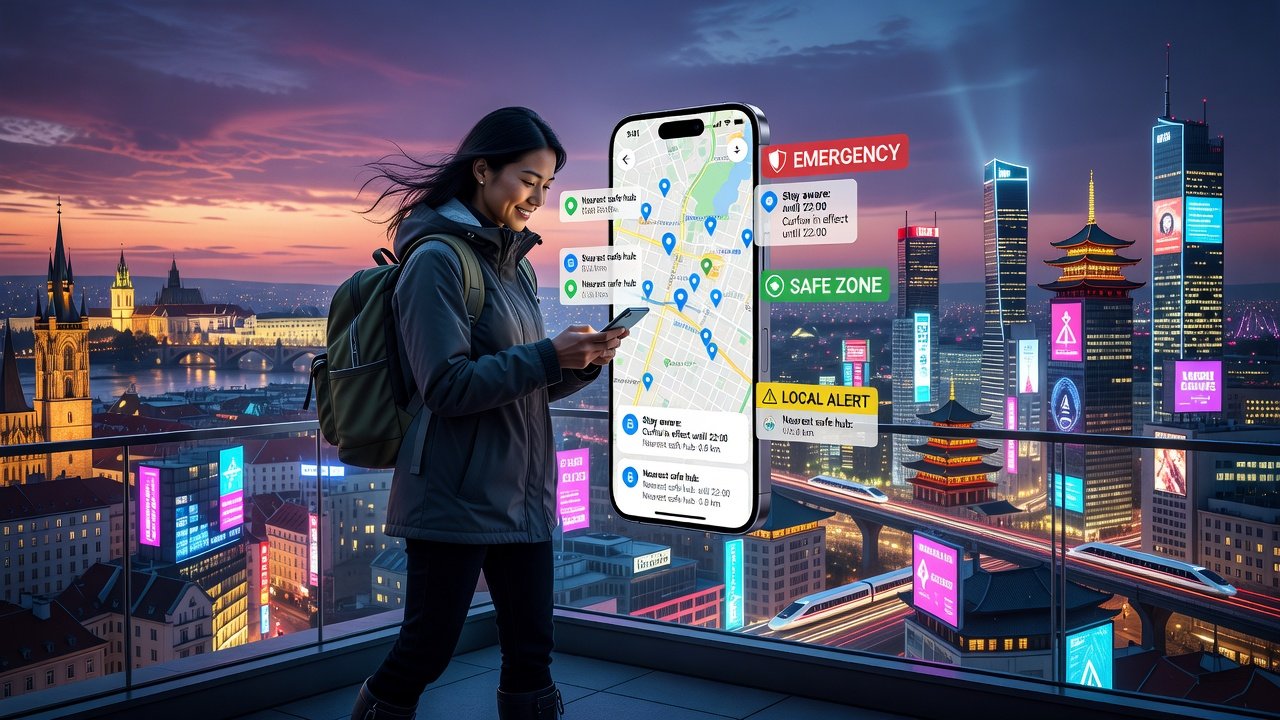
- Solo Travelers: Focus on community review features and real-time safety notifications to enhance confidence when navigating unfamiliar urban environments.
Tailoring choices to lifestyle ensures the app supports rather than complicates the journey, with many offering trial periods to test compatibility.
Mistakes to Avoid When Using These Apps
Common pitfalls include neglecting to download offline content ahead of time, leading to gaps in connectivity. Another error is ignoring AI customization options, resulting in generic itineraries that miss personal interests. Over-reliance on a single app without cross-checking with official sources can also cause issues during disruptions like strikes or weather events.
Always verify border requirements separately and maintain backups of itineraries in multiple formats.
FAQ on Maximizing App Efficiency
How do I handle last-minute changes? Enable notifications and use the edit-sync feature for instant updates across all linked devices and cities.
Can apps work without data roaming? Yes, download offline packs for each city in advance and refresh them periodically when connected.
What about combining apps with printed guides? Many users reference Lonely Planet resources alongside digital tools for hybrid planning that combines tactile maps with dynamic updates.
Are there government resources for safe travel? Check official advisories via U.S. Department of State travel pages before finalizing routes to incorporate health and security insights.
How often should I update the app? Check for updates weekly during planning phases to access the latest AI models and map data.
Conclusion
Selecting the right 2026 city guide app transforms multi-city travel into a streamlined experience. By focusing on offline access, AI features, and syncing, travelers can build efficient, personalized itineraries for Europe and Asia alike. Test a few options during short trips to find the best fit for future adventures, ensuring every journey in 2026 flows smoothly from one destination to the next.
No comments yet. Be the first!