 PlaceBee
Introduction to Augmented Reality in Group Cultural Travel
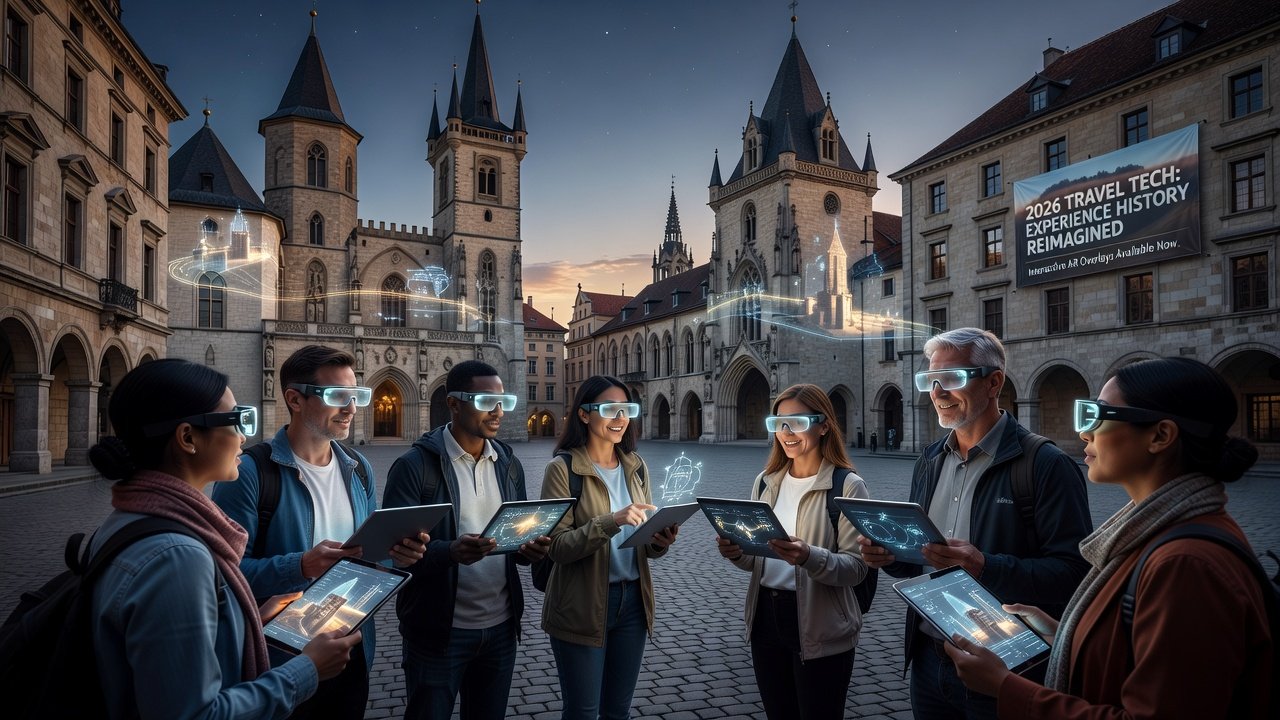
Augmented reality (AR) city guides are reshaping how groups experience cultural destinations in 2026. By overlaying historical narratives, local stories, and interactive elements onto real-world sites, these tools create shared moments of discovery that traditional maps or audio guides cannot match. Groups traveling together benefit from synchronized views that foster discussion and collective memory-making without splitting attention across separate devices. In an era where travel emphasizes authentic connections, AR bridges the gap between past and present, allowing participants to witness evolving cityscapes in real time. This technology has gained traction among tour operators and independent travelers alike, particularly for multi-generational groups seeking educational yet engaging outings. Whether exploring bustling historic centers or serene temple complexes, AR enhances understanding of cultural significance while encouraging collaborative exploration.
Travelers exploring sites like the Colosseum or Tokyo's ancient temples now see layered timelines emerge through shared AR interfaces. This technology emphasizes practical immersion, helping groups coordinate movements while absorbing context-rich details about architecture, traditions, and hidden histories. The result is a more cohesive group dynamic where everyone contributes observations drawn from the same enhanced visual layer.
Step-by-Step App Setup for Shared Devices
Setting up AR city guide apps for group use begins with selecting compatible hardware. Start by ensuring all devices run the latest operating systems and have sufficient storage for map downloads. Download the primary AR application from official stores, then create a shared group account using one lead device to invite others via QR code or link. Groups should allocate time beforehand to test connectivity, as some destinations feature variable signal strength that could disrupt sessions.
- Install the app and grant camera, location, and Bluetooth permissions for multiplayer syncing.
- Connect devices to a local Wi-Fi network or enable offline map caching for areas with poor connectivity.
- Calibrate AR anchors at the first site by scanning a common landmark together, establishing a unified virtual reference point.
- Customize tour preferences for language, difficulty level, and focus themes such as art history or folklore.
- Test multiplayer mode by having one member initiate a session and others join to confirm real-time overlays align across screens.
- Troubleshoot common issues like drift in positioning by resetting the calibration or restarting the group session if discrepancies appear.
This process typically takes under 15 minutes per group and supports both iOS and Android ecosystems for seamless collaboration. Advanced users may also link wearable accessories such as lightweight AR viewers to reduce screen fatigue during longer tours.
Key Features: Multiplayer AR Tours and Accuracy Enhancements
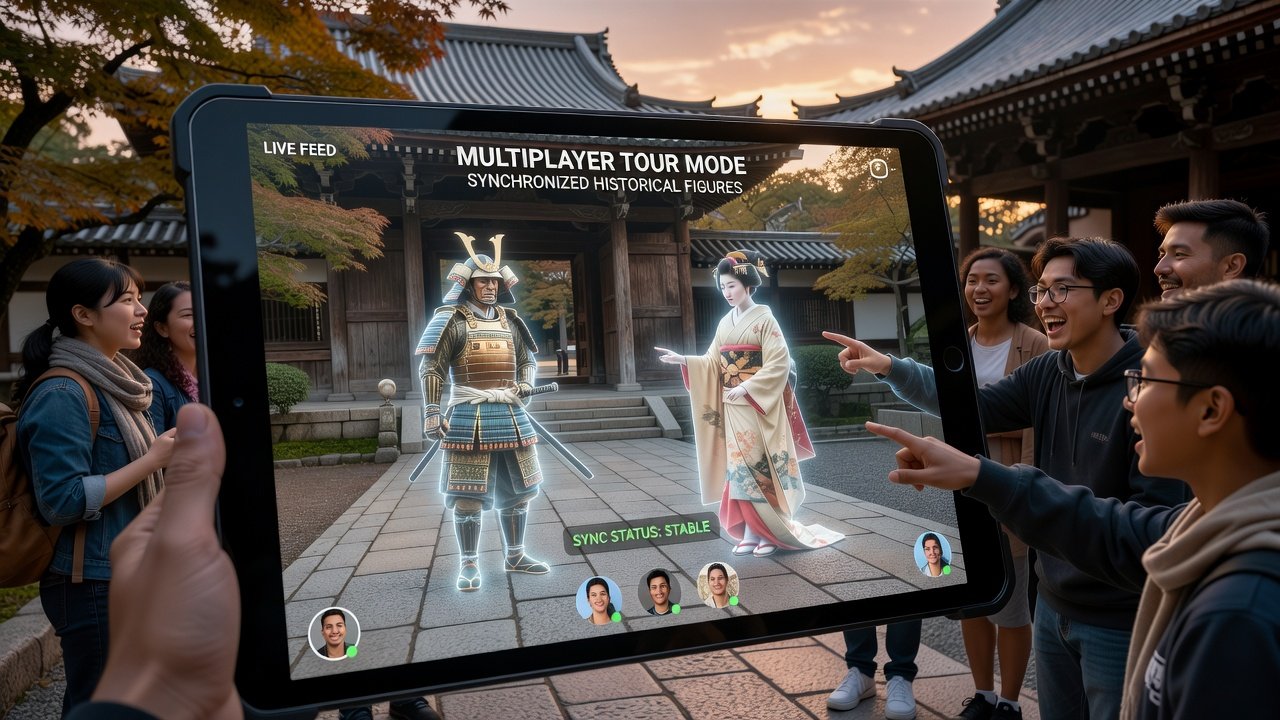
Leading AR tools prioritize multiplayer functionality, allowing up to 12 participants to view identical overlays simultaneously. Features include voice chat integration for on-site commentary, gesture-based annotations that highlight specific building elements, and progress tracking that marks visited sections for the entire group. These capabilities transform passive viewing into active participation, where members can pause the tour to discuss a particular overlay or collectively zoom into intricate details like fresco patterns or historical inscriptions.
Accuracy stems from advanced computer vision algorithms combined with verified historical databases. Top platforms cross-reference data from cultural institutions to ensure overlays reflect documented facts rather than speculative content. Engagement rises through gamified elements like collaborative quizzes that unlock additional stories when the group answers correctly together. Real-time synchronization prevents one member from advancing ahead, maintaining group cohesion even in crowded environments.
Comparing Top AR Tools for Group Use
When evaluating options, focus on rendering speed, content depth, and group scalability. One platform excels in European historical accuracy with detailed Renaissance-era reconstructions, while another shines in Asian contexts by incorporating seasonal festivals and local dialects. Cross-platform compatibility and regular content updates distinguish premium choices from basic alternatives. Groups should test free trials on-site to compare how each handles crowd density and lighting variations common in popular tourist areas. Additional considerations include battery optimization during extended use and the availability of downloadable regional content packs that reduce data dependency.
Real-World Examples from European and Asian Cities
In Rome, groups using AR guides at the Pantheon witness animated depictions of ancient Roman rituals projected onto the oculus, synchronized so everyone sees the same sequence at once. Coordination tips include assigning a rotating leader to manage device handoffs during transitions between sites. Paris offers similar enhancements at Notre-Dame, where AR reconstructs pre-fire architectural details, allowing groups to compare current restoration progress with historical states.
Tokyo's teamLab Borderless offers AR extensions where visitors overlay digital flora onto urban streets, with seasonal considerations favoring spring cherry blossom integrations. In Kyoto, temple visits gain depth through AR reconstructions of Edo-period ceremonies, best experienced in autumn when foliage enhances visual contrast. Beijing's Forbidden City provides another compelling case, with overlays illustrating imperial court life that groups can explore together during off-peak morning hours to avoid peak crowds. These examples demonstrate how AR adapts to local contexts while supporting coordinated group pacing.
European examples often integrate with UNESCO-recognized landmarks for richer context. UNESCO provides foundational cultural data that many AR developers reference.
Group Coordination Tips and Hybrid Experiences
Effective coordination involves pre-trip route planning via shared cloud maps and in-app checklists. Designate tech-savvy members to handle updates while others focus on photography or note-taking. Hybrid models combine AR with traditional human guides: the guide narrates while AR fills visual gaps, creating balanced pacing. This approach avoids over-reliance on screens and encourages real-time social interaction. Seasonal planning matters—summer heat in Mediterranean cities favors shorter AR sessions, while winter in northern Asia benefits from indoor calibration points. Groups can further enhance experiences by scheduling reflection breaks where members share personal takeaways prompted by the AR content.
Budgeting for Tech Add-Ons, Seasonal Considerations, and Mistakes to Avoid
Budgeting focuses on optional accessories like extended battery packs or protective cases rather than core app costs. Groups can share one premium subscription across devices for efficiency. Seasonal considerations include preparing for weather impacts on device screens and selecting tours that align with festivals for heightened AR interactivity. Common mistakes to avoid include neglecting to download offline content in advance, which can lead to interruptions, or failing to brief the group on calibration steps beforehand. Another pitfall is over-scheduling AR segments without breaks, diminishing the immersive effect over time.
Device Compatibility and Privacy FAQs
Common FAQs
- Device compatibility: Most apps support recent smartphones from major brands; older models may need software updates or external AR viewers.
- Privacy concerns: Leading services anonymize location data and require explicit consent for group sharing; review permissions before joining sessions.
- Offline functionality: Downloadable content packs enable use in remote areas without data usage.
- Group size limits: Check individual app specifications, as some cap simultaneous users to maintain performance stability.
Integration with established travel resources like National Geographic further enriches hybrid itineraries.
Conclusion: Maximizing Shared Cultural Memories
AR city guides in 2026 elevate group travel by blending technology with authentic exploration. By following structured setups, leveraging multiplayer features, and blending digital overlays with traditional insights, groups create deeper connections to destinations. Practical attention to examples from Rome to Tokyo, along with coordination and seasonal strategies, ensures memorable, immersive experiences that last beyond the trip. With careful planning around budgeting, device use, and hybrid approaches, travelers can focus on forging lasting shared memories rather than logistical hurdles.
No comments yet. Be the first!