 PlaceBee
Introduction to AR in Modern Travel Planning
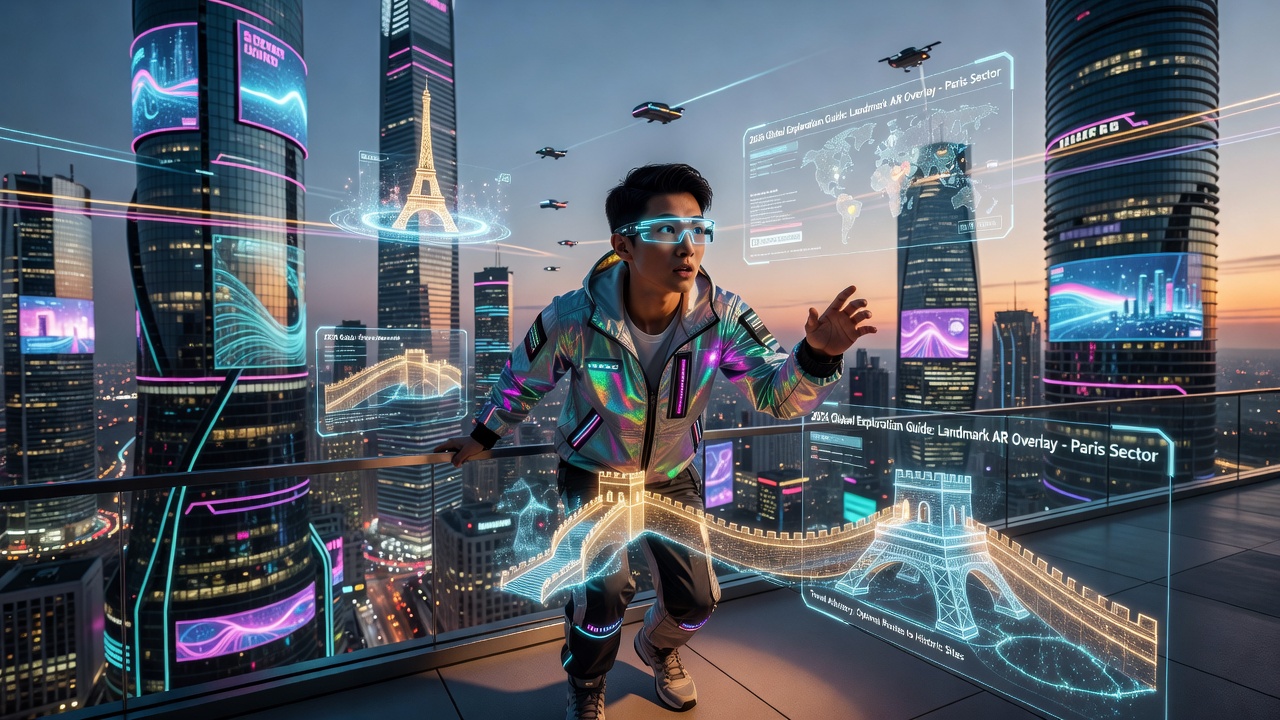
Augmented reality is reshaping how travelers plan and experience destinations in 2026. By overlaying digital information onto the physical world, AR turns static maps and text guides into interactive, immersive tools. This technology appeals to tech-forward travelers seeking deeper connections with places before they even arrive. As global tourism rebounds strongly, AR offers a way to visualize trips beyond flat images or written descriptions, helping users understand spatial layouts, historical contexts, and real-time conditions in advance. For content creators and destination marketers, adopting AR means staying ahead of evolving search behaviors where users query for interactive planning solutions rather than passive reading.
Understanding AR Technology for Travel Guides
AR works by using device cameras to blend virtual elements with real environments. In travel contexts, this means 3D models of landmarks, historical reconstructions, and personalized itineraries that appear in real time. Popular platforms like Google ARCore and Apple ARKit power most consumer applications today. These frameworks enable precise tracking of surfaces and objects, allowing virtual tours to feel natural on smartphones or tablets. Beyond basic overlays, advanced AR incorporates machine learning for object recognition, so a traveler pointing their phone at a building can instantly access layered information such as architectural details or nearby dining options. In 2026, integration with wearable devices like smart glasses further expands possibilities, letting users walk hands-free while receiving directional cues and contextual facts.
Step-by-Step Methods for AR Integration
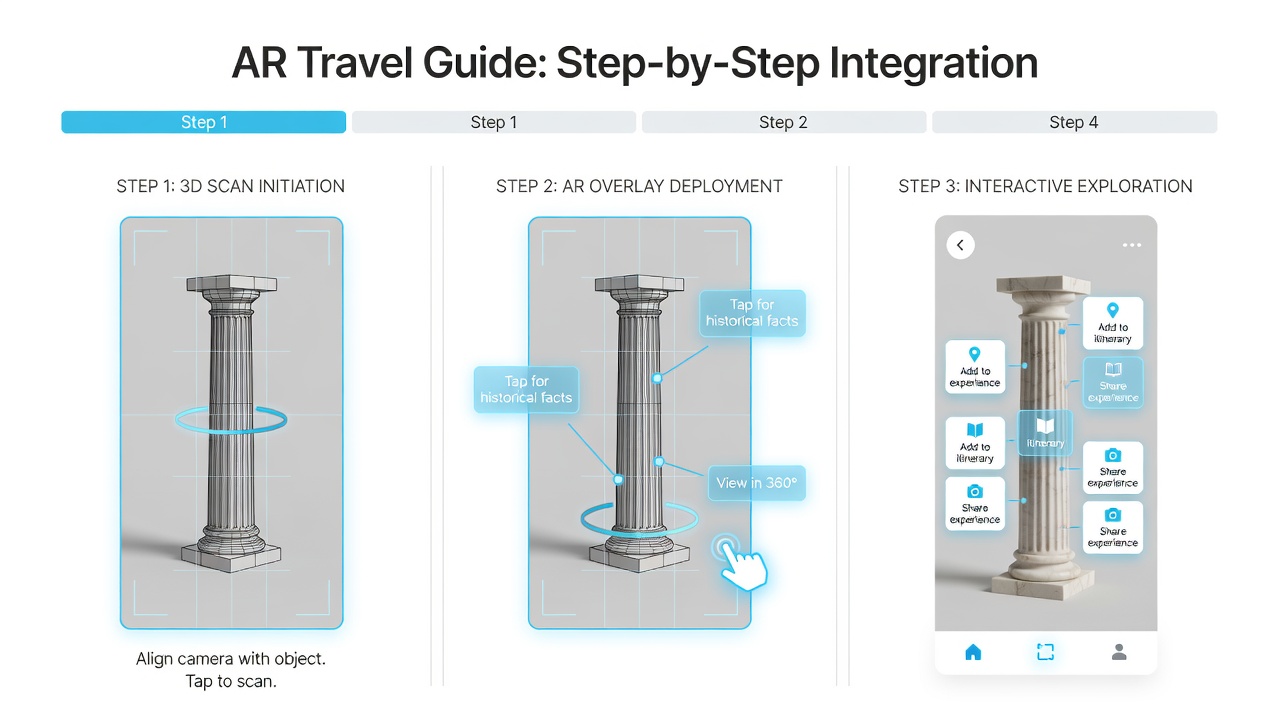
Content creators can integrate AR using accessible apps without advanced coding skills. First, choose a platform such as Unity with AR foundations or ready-made tools like Lens Studio. Next, create 3D assets of destinations using free modeling software. Test overlays on mobile devices, then publish via app stores or web-based AR viewers. Finally, embed QR codes in printed guides that trigger the experiences. To expand this process, begin by auditing existing guide content for visual gaps that AR can fill, such as hard-to-visualize routes or seasonal changes. Gather high-resolution photos and LiDAR scans if available from local partners. Build prototypes iteratively, soliciting feedback from beta users who simulate real travel scenarios. Optimize file sizes to ensure quick loading on varying network speeds, and incorporate analytics to track which AR features users engage with most. This methodical approach ensures the final product feels polished and useful rather than gimmicky.
- Download an AR development app and set up a project with location permissions enabled.
- Import location data and build virtual models using photogrammetry techniques for accuracy.
- Optimize for various lighting conditions and device orientations through extensive testing phases.
- Publish and promote with sample AR walkthroughs shared on social channels.
- Monitor user interactions and refine based on heatmaps of popular virtual elements.
AR Versus Traditional City and Country Guides
Traditional guides rely on photos and descriptions, limiting visualization to the creator's perspective. AR provides spatial understanding, allowing users to preview hotel views or navigate crowded streets virtually. While print guides offer portability and no battery concerns, AR versions update dynamically with real-time data like weather or events, making them superior for dynamic planning. A side-by-side comparison reveals that AR reduces decision fatigue by letting travelers virtually test activities, such as checking crowd levels at attractions or exploring hidden alleys in advance. Traditional formats excel in offline reliability during international trips where data roaming is expensive, yet hybrid approaches combining both deliver the best outcomes. Travelers report higher satisfaction when AR previews help avoid mismatched expectations upon arrival.
Real-World Examples from Popular Destinations
In Paris, AR apps reconstruct the Louvre's original state for visitors, allowing them to see how paintings were originally displayed centuries ago. Tokyo guides use AR to translate signs and show hidden food stalls in real time, helping first-time visitors navigate complex subway systems and discover seasonal festivals. Rome's Colosseum apps overlay ancient gladiators, enhancing educational value for families and history enthusiasts by simulating battles within the actual ruins. Further afield, New York City applications project future skyscraper developments onto current skylines, while Sydney's harbor tours use AR to highlight marine life beneath the water surface. These implementations demonstrate how AR bridges cultural and language barriers, making global destinations more accessible and memorable for diverse audiences.
Practical Tips for Content Creators
Start with high-quality 3D scans of key sites. Ensure accessibility by supporting multiple languages and screen readers. Collaborate with local tourism boards for accurate data. Update content seasonally to maintain relevance and encourage repeat engagement. Additional advice includes prioritizing user privacy by anonymizing location tracking, designing intuitive onboarding tutorials that explain AR gestures, and cross-promoting with established travel influencers who can demonstrate the technology in video content. Avoid common pitfalls such as overcomplicating interfaces or neglecting low-end device compatibility, which can alienate budget-conscious travelers. Testing across regions with different internet infrastructures ensures global usability.
Benefits, Challenges, and Future Outlook
AR travel guides deliver benefits including increased engagement, better trip personalization, and educational depth that static media cannot match. Challenges involve initial development costs, the need for ongoing maintenance, and ensuring equitable access across device types. Looking ahead to later 2026 and beyond, expect tighter integration with AI for predictive recommendations and wider adoption of 5G networks for seamless experiences. Organizations like UNWTO highlight technology's role in sustainable tourism, while standards bodies such as ITU guide responsible AR deployment in public spaces.
Frequently Asked Questions
What devices support AR travel features?
Most modern smartphones with iOS 17+ or Android 10+ handle AR experiences well, including recent iPhone and Samsung Galaxy models. Tablets and certain AR glasses also provide enhanced immersion for prolonged sessions.
Are there costs involved in using AR travel apps?
Many apps offer free basic features, with premium content available through subscriptions. Creators should evaluate open-source options to minimize expenses while delivering value.
How can beginners get started with AR content creation?
Begin with no-code platforms and free tutorials focused on location-based AR before advancing to custom development. Online communities and documentation from major tech providers offer step-by-step resources tailored to travel applications.
Conclusion
Integrating AR into 2026 travel guides delivers unmatched immersion and practicality. By following structured methods and learning from successful examples, creators can produce guides that stand out and truly enhance the traveler's journey from planning through return.


No comments yet. Be the first!