 PlaceBee

Introduction to Advanced Transit App Strategies in 2026
Navigating unfamiliar cities in 2026 requires more than basic maps. Transit apps have evolved into powerful tools that combine real-time data, offline functionality, and social integration to reveal authentic hidden gems. This guide explores pro workflows for first-time visitors to Tokyo, Paris, and New York, focusing on crowd avoidance and local discovery. Travelers can now leverage these platforms to save hours while experiencing neighborhoods that tourists often miss. By integrating payment systems and social listening features, you unlock efficient, respectful exploration that goes beyond standard sightseeing routes.
The key is understanding how these apps aggregate data from multiple sources including government transit authorities, user reports, and machine learning predictions. In dense urban environments, this means identifying not just the fastest route but the one that passes through emerging cultural spots or quiet local eateries. For example, combining transit data with social signals can highlight a weekend-only market accessible only via a specific bus line in New York or a tucked-away temple garden in Tokyo reachable by a lesser-used train.
Real-Time Routing and Crowd-Avoidance Features
Modern transit apps use live data to reroute around congestion. In Tokyo, apps integrate with subway sensors for precise timing on lines like the Yamanote and Chuo. Paris apps highlight less crowded metro lines during peak hours by analyzing passenger flow at stations such as Châtelet and Gare du Nord. New York solutions factor in bus delays from traffic patterns on routes like the M15 or subway service changes announced by the MTA.
Step-by-step setup begins with downloading the primary app for your target city. Enable location services immediately and grant permissions for background updates. Next, connect to local transit APIs within the app settings menu. Customize alerts for low-crowd routes by adjusting preferences such as maximum wait times and preferred transport modes. Test the system on a short journey first to calibrate notifications for real-time disruptions like signal problems or strikes.
Offline Capabilities for Seamless Travel
Offline maps prevent data loss in areas with poor connectivity. Download city bundles in advance for Tokyo's intricate rail network covering over 300 stations, Paris's extensive bus and tram routes, and New York's subway system with its 472 stations. This ensures continuous access to hidden gem suggestions even underground or during international roaming restrictions.
To set up effectively, open the app's offline section 48 hours before departure and select high-resolution map layers. Include points of interest layers for cafes, parks, and markets. Update these bundles upon arrival if Wi-Fi is available at your accommodation. Expert tip: Sync offline data weekly for updates on seasonal closures or construction that could affect access to lesser-known neighborhoods.
Integration with Social Listening Tools
Combine transit apps with social platforms to monitor local buzz. Search for neighborhood hashtags to identify pop-up events in Tokyo's back alleys like those in Koenji, Paris's hidden courtyards in the 11th arrondissement, or New York's lesser-known food trucks in Queens. This creates dynamic itineraries based on real-time resident activity shared on platforms including Instagram and local forums.
Advanced users link their transit profile to social listening extensions that pull geotagged posts about quiet spots. For instance, a sudden spike in mentions of a particular side street in Paris can trigger an app notification suggesting a detour via an alternative metro exit. Always cross-reference with multiple sources to confirm the information's accuracy and timeliness.
Payment Integration Comparisons Across Cities
Apps offer varying payment options tailored to each city. Tokyo emphasizes contactless IC cards for seamless rail transfers across JR, subway, and private lines. Paris supports integrated mobile wallets for metro, bus, and even some river shuttles. New York focuses on tap-and-go systems across subways, buses, and ferries with emphasis on compatibility with multiple card types. Compare these qualitatively by testing speed and acceptance rates during initial setup at major hubs like Tokyo Station, Châtelet-Les Halles, or Grand Central.
Consider factors such as ease of topping up balances, support for international cards, and integration with loyalty programs. In practice, Tokyo workflows favor pre-loaded cards for frequent small transfers, while Paris benefits from apps that handle zone-based pricing automatically. New York users often appreciate unified apps that cover both subway and bike-share extensions for last-mile hidden gem access.
Case Studies: Time Savings and Unique Finds
In Tokyo, one traveler used real-time routing combined with social listening to discover a quiet ramen spot in Shimokitazawa. The workflow avoided the crowded Shibuya transfer by suggesting an earlier exit on the Keio line, resulting in an authentic experience with local residents and saving significant time compared to standard tourist paths. Another case involved locating a vintage record store accessible only after two precise train changes during off-peak hours.
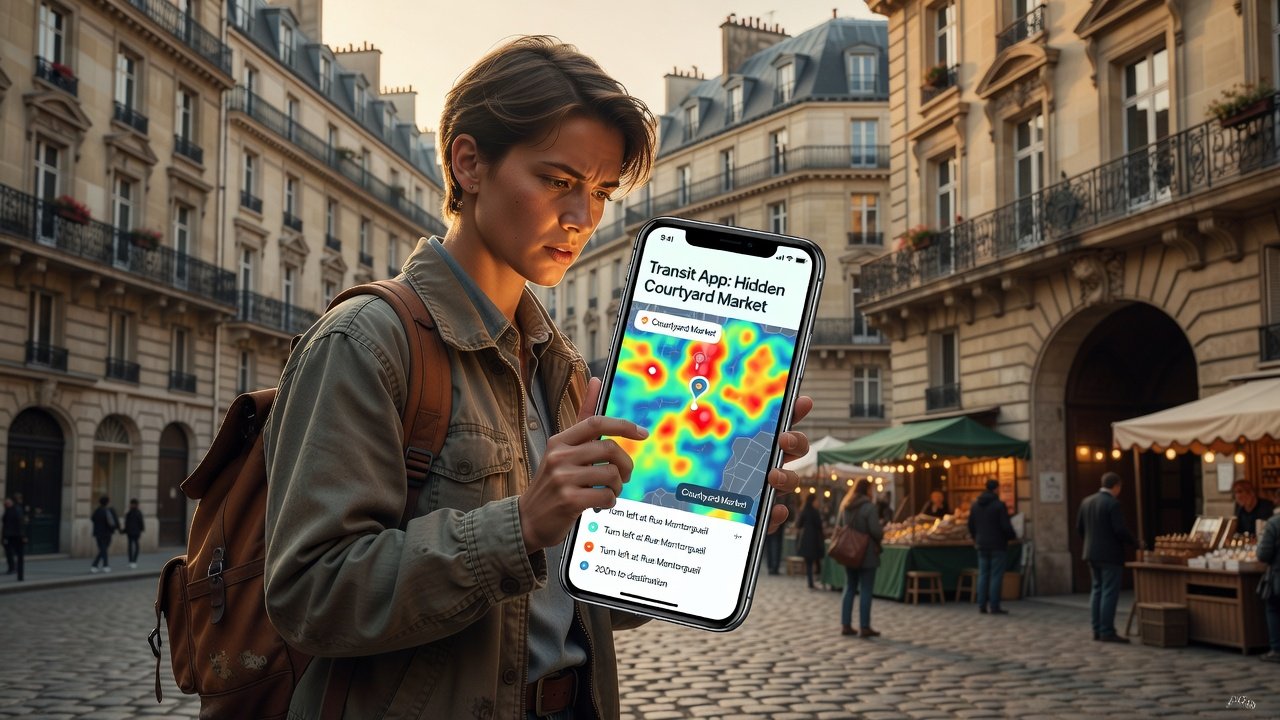
Paris case studies demonstrate similar gains. Using crowd-avoidance features, a visitor reached an artisanal market in the Marais via a bus route that bypassed major tourist corridors. This led to interactions with local vendors and unique finds like handmade ceramics unavailable in central districts. The time saved allowed for an extended afternoon exploring nearby hidden gardens.
New York examples highlight offline and social features. A traveler uncovered a secret rooftop garden in Brooklyn by following app-suggested detours around weekend subway maintenance. Integrating payment options allowed seamless continuation on a connecting bus, turning a potentially frustrating journey into a memorable local discovery with minimal backtracking.
Practical Checklists for Beginners
- Install apps and enable offline mode 24 hours before travel, verifying all map layers load correctly.
- Test real-time alerts on a short trip within your first day to ensure notifications function as expected.
- Review ethical guidelines for local interactions, including respecting quiet zones and supporting independent businesses.
- Backup payment methods in the app and confirm they work with at least two transport modes per city.
- Research one or two specific hidden gem categories such as street art or cafes before arrival.
- Set daily time limits for app usage to encourage spontaneous exploration once basic routes are established.
- Share your planned routes with a contact for safety while keeping social media posts general.
- Update the app to the latest version and clear cache after each major city transition.
Expert Tips on Ethical Local Exploration
Respect community spaces by avoiding peak-hour overcrowding in residential areas and choosing routes that distribute foot traffic evenly. Support small businesses highlighted in app suggestions rather than defaulting to chains. Always verify information against official sources like Tokyo Metro, RATP Paris, and MTA New York. Consider the environmental impact by prioritizing walking segments or bike integrations where feasible. Finally, engage with locals only when invited through app-suggested community events to maintain positive relationships.
FAQ: Common App Glitches and Data Privacy Concerns
Q: What causes routing glitches? A: Outdated offline caches or network handoffs between cell towers; clear cache and re-download maps before each new city segment.
Q: How is data privacy handled? A: Review permissions and use apps with strong encryption. Check policies from providers like the MTA before enabling location sharing.
Q: Can apps work without internet entirely? A: Yes for core navigation and basic hidden gem suggestions after initial download, though social features require periodic connectivity.
Q: What should I do if payment integration fails? A: Switch to an alternative method within the app and report the issue through the support channel for rapid resolution.
Q: Are there concerns with data sharing across borders? A: Stick to apps compliant with international standards and limit personal data entry to essential fields only.

No comments yet. Be the first!