 PlaceBee
Introduction to 2026 City Guide App Customization
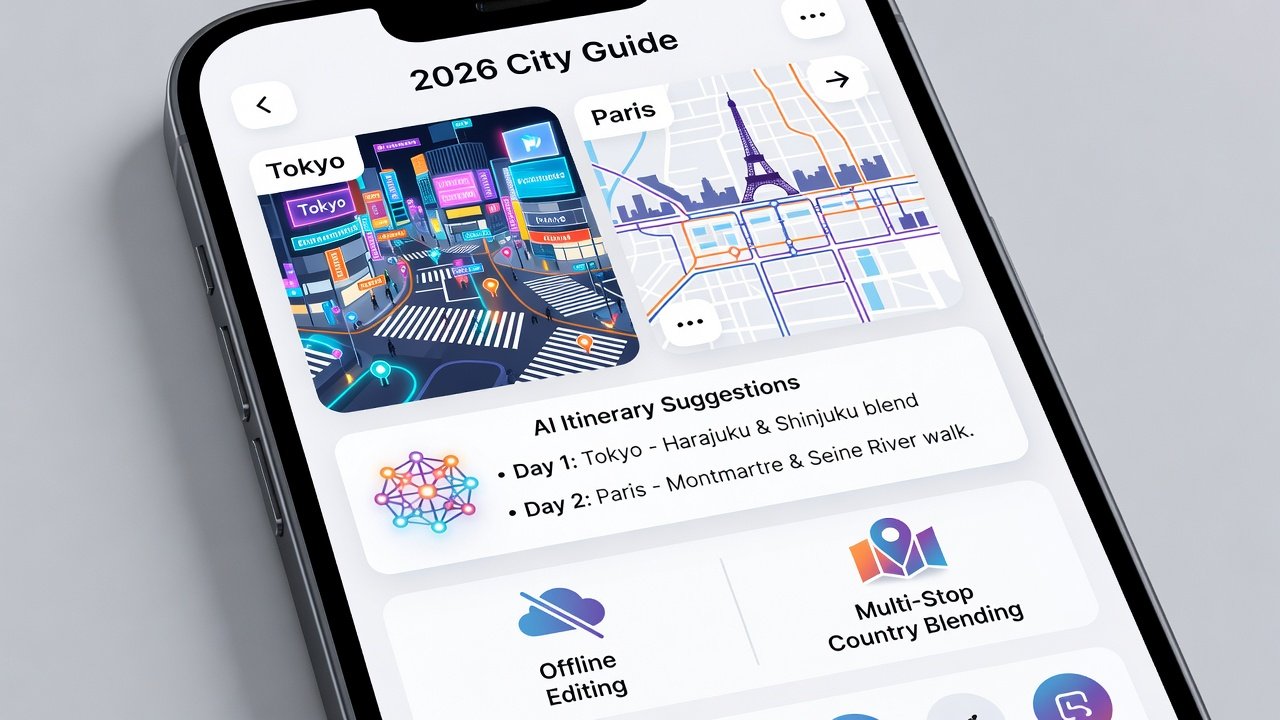
Travelers in 2026 expect more than static maps from their city guide apps. They want powerful customization tools that support complex journeys blending multiple cities with entire countries. This comprehensive comparison explores how leading apps handle user-generated itineraries, AI-driven personalization, offline editing, and seamless transitions between urban and national guides. Whether you are a digital nomad planning extended stays or a group coordinating multi-stop adventures, understanding these features ensures your travel plans remain flexible and efficient. Real-world examples from Tokyo and Paris demonstrate practical applications, while expert advice helps match apps to specific travel styles and data requirements.
Top Apps and Their Core Customization Strengths
Leading platforms like TripAdvisor, Google Maps, and Citymapper continue to evolve with enhanced customization. TripAdvisor excels in community-driven content, allowing users to merge city-specific attractions with broader country explorations. Google Maps offers robust routing AI that adapts to real-time preferences, though offline capabilities remain more limited. Citymapper focuses on urban mobility with strong offline support but less emphasis on rural extensions. These differences matter when planning trips that span Tokyo's bustling districts and Japan's countryside or Paris's arrondissements and the French provinces.
Feature Comparison Table
| App | AI Personalization | Offline Editing | Multi-Stop Blending | User Itineraries |
|---|---|---|---|---|
| TripAdvisor | Advanced recommendations | Full support | City + country | Extensive sharing |
| Google Maps | Strong AI routing | Limited edits | Good integration | Basic lists |
| Citymapper | Moderate AI | Strong offline | Urban focus | Community-driven |
Blending City and Country Guides for Multi-Stop Trips
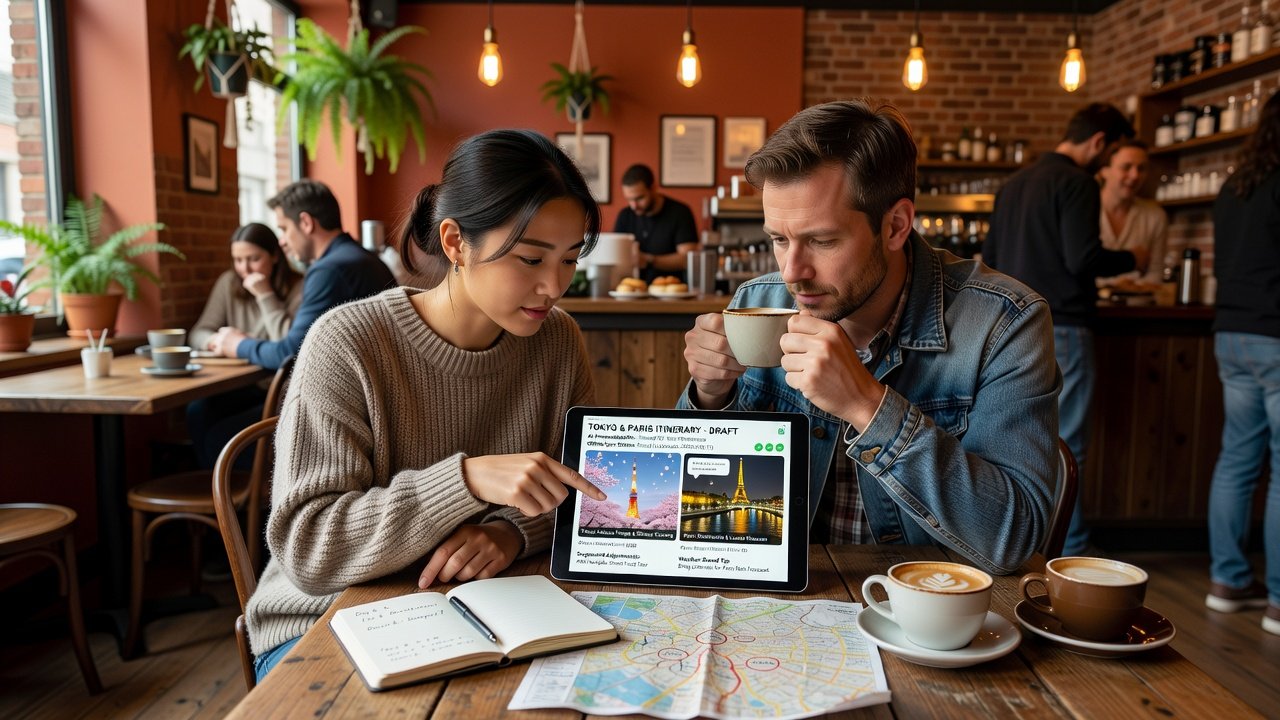
Modern apps must support fluid transitions from city-level detail to national overviews. For instance, a traveler can begin with Tokyo's subway system and expand to include day trips to Kyoto or Osaka without leaving the same interface. This blending reduces the need for multiple apps and minimizes errors during long journeys. Effective tools let users layer country guides onto city plans, automatically suggesting connections like high-speed rail routes or regional passes. In practice, this means adding a stop in rural France after exploring Paris neighborhoods, with the app adjusting for travel time, local transport, and even seasonal events. Users benefit from customizable filters that prioritize interests such as food, history, or adventure across scales.
AI Personalization and User-Generated Itineraries
AI personalization has advanced significantly by 2026, analyzing past trips, dietary restrictions, mobility preferences, and even weather forecasts to refine suggestions. Apps can generate initial itineraries based on a few inputs like trip duration and group size, then allow fine-tuning through drag-and-drop interfaces. User-generated itineraries add authenticity, with travelers sharing detailed Tokyo walking tours that include hidden izakayas or Paris bike routes avoiding tourist crowds. These shared plans often include photos, notes on crowd levels, and cost estimates, creating a living resource that improves over time. Combining AI with community input produces hybrid plans that feel both smart and grounded in real experiences.
Offline Editing Capabilities
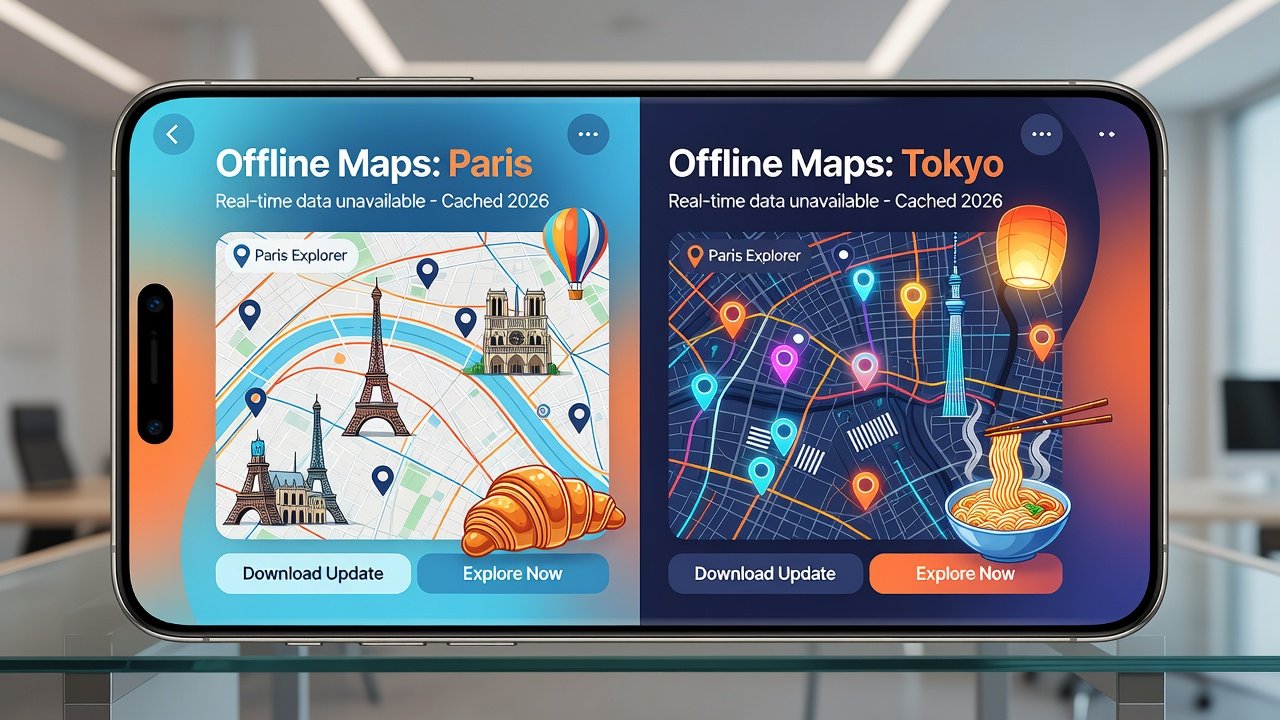
Connectivity issues remain common during international travel, making offline editing essential. Top apps permit full itinerary adjustments without internet access, including adding new stops, changing times, and annotating maps. Upon reconnection, changes sync across devices automatically. This feature proves vital in areas with unreliable signals, such as mountain regions near Paris or remote temples outside Tokyo. Travelers should test offline modes thoroughly before departure to avoid surprises. Some apps also cache large map areas and allow pre-downloading entire country layers for uninterrupted planning.
Expert Tips for Digital Nomads and Groups
Digital nomads benefit from apps offering long-term stay filters, coworking space integrations, and visa-related location suggestions. Look for tools that track extended itineraries across multiple countries while highlighting reliable Wi-Fi zones. Groups should prioritize collaborative features like shared editing permissions, real-time updates, and split budgeting tools. Additional advice includes testing apps with sample multi-stop plans, backing up custom itineraries regularly, and cross-referencing with official sources such as Lonely Planet for destination accuracy. Always verify local regulations for group activities in cities like Paris or Tokyo to prevent disruptions.
Step-by-Step Guide to Building Custom Plans
- Install the chosen app and create a profile with your travel dates, group size, and key interests.
- Begin by searching for your primary city, such as Tokyo, then activate country-level layers to include surrounding regions.
- Allow the AI engine to propose an initial structure based on your inputs, reviewing suggested stops for relevance.
- Manually edit timings, add personal notes, and incorporate user-generated content from other travelers.
- Enable full offline mode and practice making changes while disconnected to build confidence.
- Share the finalized plan with companions, gather feedback, and adjust for consensus.
- Monitor for updates during travel and refine the itinerary on the go using saved data.
Real Examples from Tokyo and Paris
In Tokyo, customization shines when users blend iconic sites like Shibuya Crossing with lesser-known neighborhoods and day trips to Mount Fuji. AI can suggest optimal train schedules while offline editing allows last-minute swaps for weather changes. For Paris, travelers often combine Louvre visits with countryside chateau tours, using multi-stop tools to balance cultural immersion and relaxation. One example itinerary might start with Seine river walks, expand to Loire Valley extensions, and include group voting on evening activities. These real scenarios highlight how strong customization prevents rigid plans and adapts to evolving preferences.
Common Mistakes to Avoid
- Over-relying on AI without verifying details against current conditions.
- Ignoring offline testing until arrival in low-connectivity zones.
- Failing to blend city and country layers early, leading to fragmented planning.
- Neglecting to share plans with all group members for collaborative input.
Pricing Breakdowns as of 2026-09-18
Most apps provide generous free tiers, with premium upgrades offering advanced AI and unlimited offline storage typically available through subscription models. Group features often require higher tiers for full collaboration. Travelers should review current offerings directly on developer sites before committing.
FAQ on Selecting the Best App
How do I choose based on travel style? Solo explorers may prefer AI-heavy platforms for quick personalization, while groups need strong sharing and editing tools. Digital nomads should evaluate long-stay support and data export options.
What about data needs? If international roaming costs concern you, select apps with robust offline-first designs that minimize data usage after initial downloads. Check compatibility with your devices and test sync reliability in advance.
Conclusion
Selecting the optimal 2026 city guide app requires matching its customization depth to your itinerary complexity and travel style. Thorough testing across features like AI personalization, offline editing, and multi-stop blending will help create memorable, stress-free journeys through destinations like Tokyo and Paris.
No comments yet. Be the first!